Man, why did those two people downvote this? like those two mfs really be like, “This guy made a simple comment that wont make a single impact on our lives, nor Fet’s life? SEIZE HIM” like wtf-
DiaperedAlly
Guest
2 years ago
Aww musta really hadda go!
Crinkermations
Guest
2 years ago
Hi
nuh uh
Guest
2 years ago
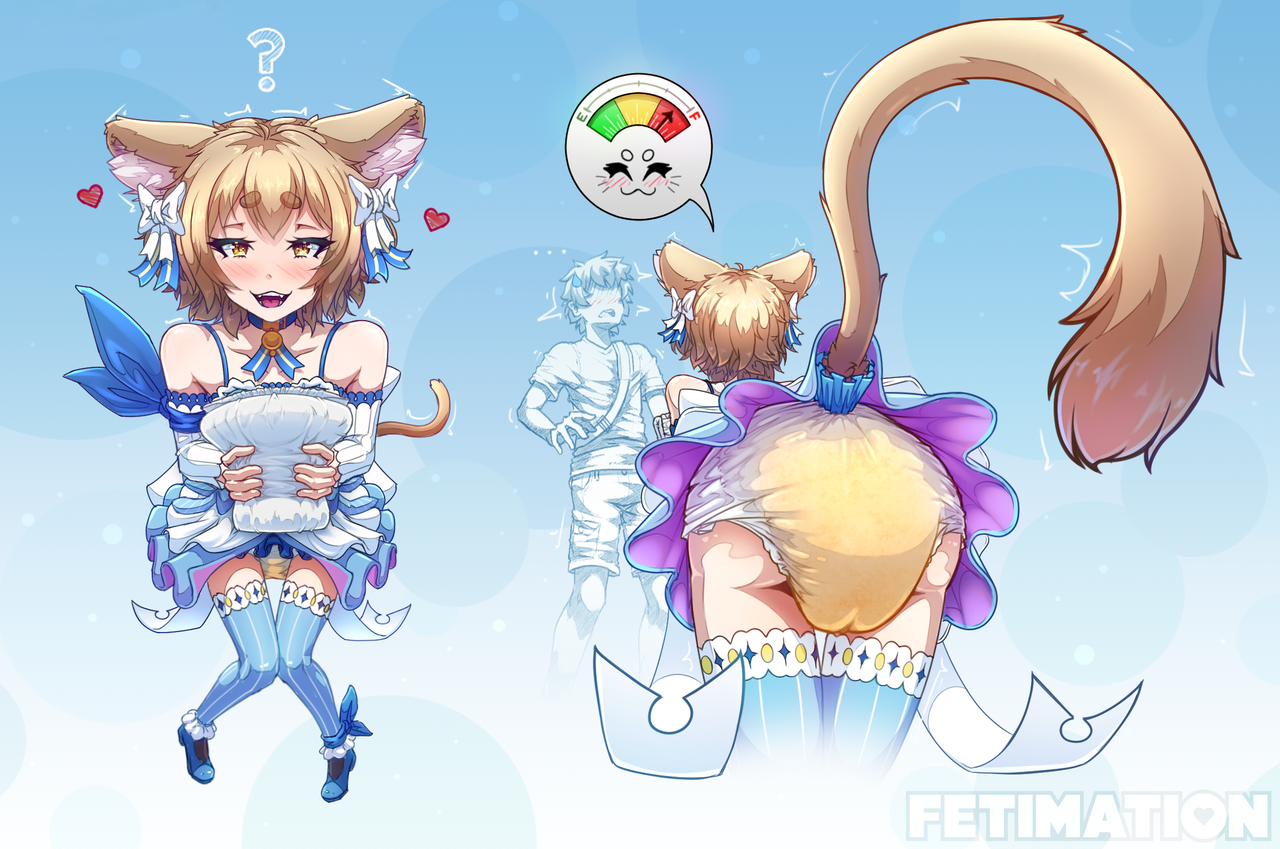
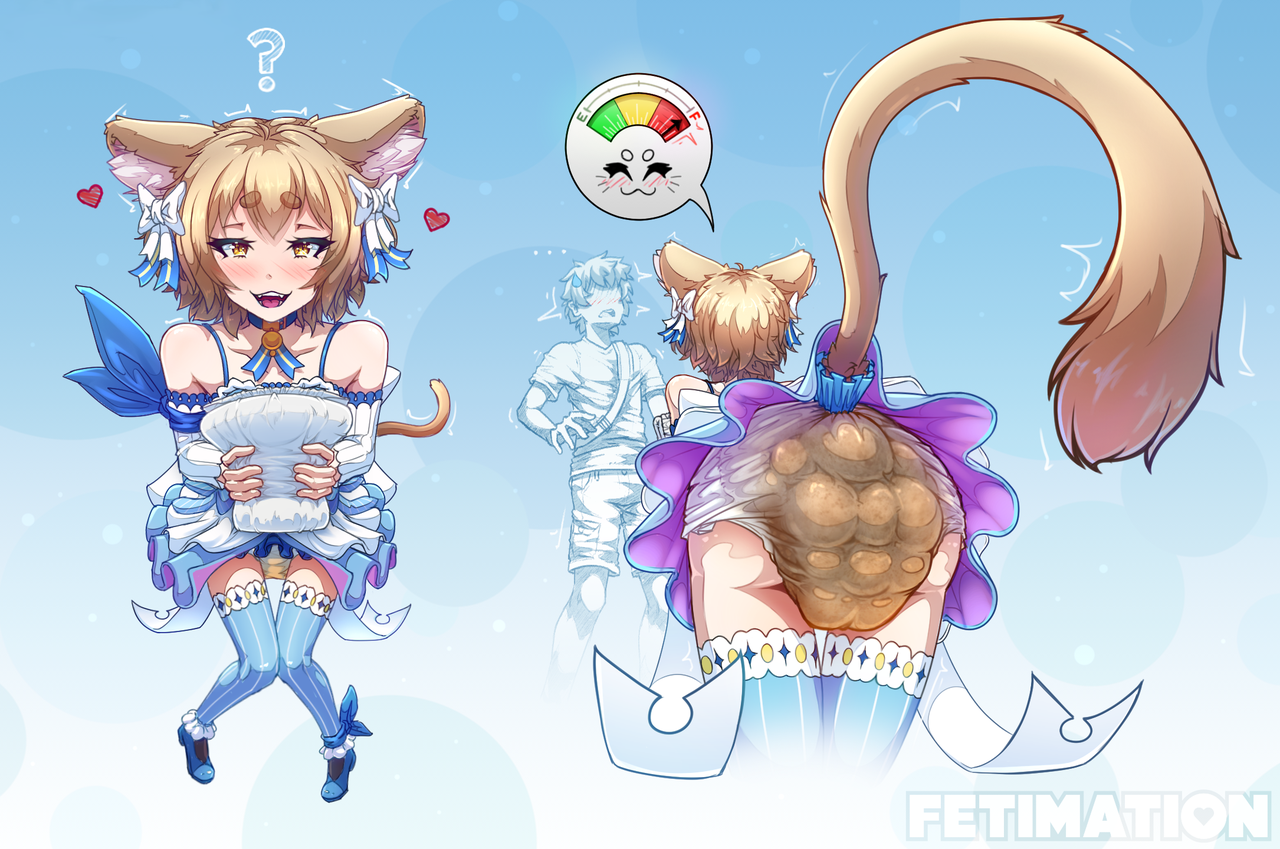
God do i love felix
Very Eepy
Guest
2 years ago
*waits in I’m too poor for Patreon*
Jared McKano
Guest
2 years ago
I feel ya
PAPYRUS
Guest
2 years ago
NYEH POOR HUMAN.. HAVE SPAGHETTI! *SPAGHETTI!!!*
Anno
Guest
2 years ago
Spugati?
Someone
Guest
2 years ago
Hey Fet just wanted to bring something to your attention- So on “Catnip Comeuppance” there’s a bug in the CSS for the <video> that causes it to zoom over the screen when you fullscreen it, cutting off the top of the video if your apsect ratio doesn’t match the video. I’ve determined it’s the “object-fit: cover” property causing this. There’s also an “o object fit: cover” property which is reported as an invalid property name and probably shouldn’t be there either. “Care to Join Me?” doesn’t have either of these properties and correctly fits itself into any aspect ratio when fullscreened.
Just thought I’d let you know!
Fet
The guy
2 years ago
Dang, I literally put in that property (not the invalid o one tho, oops), specifically because I was experiencing the exact zoom/aspect problem you described and applying that property fixed the issue for me 🤔 Maybe it’s just my browser? I’ll remove it seeing as you seem to have enough technical knowledge to have figured that out – thank you, I really appreciate it! ♥️
Someone
Guest
2 years ago
Hm… The property is still there for me even after clearing my cache and full-refreshing the page (though not the broken o one) And huh, I’m using Firefox ESR. No idea why that’s happening though. You could try using “object-fit: contain” or “object-fit: fill” instead though, as those both appear to fix the problem for me as well as removing the property, so maybe one of those will fix it for us both?
But always glad to help! Honestly most of what I know is just fiddling with things until it works, my HTML and CSS are extremely rusty, haven’t properly studied them in probably almost a decade.
Fet
The guy
2 years ago
Lol sorry, I always forget to purge the cache on cloudflare 😅 And I think it may have to do with the resolution? Honestly couldn’t tell ya. And the majority of this site was cobbled together on “fiddling with it until it works” (if it wasn’t already obvious ahah). If any actual developer took a look behind the scenes of this site they’d be horrified lmao
PAPYRUS
Guest
2 years ago
NYEHEHEHEHE IT IS I THE GREAT PAPYRUS AND I DISAGREE WITH WHAT ARGUMENTS MAY HAPPEN YOURS COMMENTS HAVE BEEN BLEESED NYEHEHEE
Fet
The guy
2 years ago
…
Jasper
Guest
11 months ago
Heya Fet, I just wanna say keep up the good work, you need it
PAPYRUS
Guest
2 years ago
AH HUMAN! YOU WOULD LIKE SOME OF MY FAMOUSLY DELIOUS SPAGHETTI!! YAY!


 Show WIPs

Hi, Fet.
Man, why did those two people downvote this?
like those two mfs really be like, “This guy made a simple comment that wont make a single impact on our lives, nor Fet’s life? SEIZE HIM” like wtf-
Aww musta really hadda go!
Hi
God do i love felix
*waits in I’m too poor for Patreon*
I feel ya
NYEH POOR HUMAN.. HAVE SPAGHETTI! *SPAGHETTI!!!*
Spugati?
Hey Fet just wanted to bring something to your attention- So on “Catnip Comeuppance” there’s a bug in the CSS for the <video> that causes it to zoom over the screen when you fullscreen it, cutting off the top of the video if your apsect ratio doesn’t match the video. I’ve determined it’s the “object-fit: cover” property causing this. There’s also an “o object fit: cover” property which is reported as an invalid property name and probably shouldn’t be there either. “Care to Join Me?” doesn’t have either of these properties and correctly fits itself into any aspect ratio when fullscreened.
Just thought I’d let you know!
Dang, I literally put in that property (not the invalid o one tho, oops), specifically because I was experiencing the exact zoom/aspect problem you described and applying that property fixed the issue for me 🤔 Maybe it’s just my browser? I’ll remove it seeing as you seem to have enough technical knowledge to have figured that out – thank you, I really appreciate it! ♥️
Hm… The property is still there for me even after clearing my cache and full-refreshing the page (though not the broken o one)
And huh, I’m using Firefox ESR. No idea why that’s happening though. You could try using “object-fit: contain” or “object-fit: fill” instead though, as those both appear to fix the problem for me as well as removing the property, so maybe one of those will fix it for us both?
But always glad to help! Honestly most of what I know is just fiddling with things until it works, my HTML and CSS are extremely rusty, haven’t properly studied them in probably almost a decade.
Lol sorry, I always forget to purge the cache on cloudflare 😅 And I think it may have to do with the resolution? Honestly couldn’t tell ya. And the majority of this site was cobbled together on “fiddling with it until it works” (if it wasn’t already obvious ahah). If any actual developer took a look behind the scenes of this site they’d be horrified lmao
NYEHEHEHEHE IT IS I THE GREAT PAPYRUS AND I DISAGREE WITH WHAT ARGUMENTS MAY HAPPEN YOURS COMMENTS HAVE BEEN BLEESED NYEHEHEE
…
Heya Fet, I just wanna say keep up the good work, you need it
AH HUMAN! YOU WOULD LIKE SOME OF MY FAMOUSLY DELIOUS SPAGHETTI!! YAY!
Yikes